Groundwork Simulator system requirements
The store page is blunt about it: the soil and water simulation loads the CPU, so the graphics card is not the only number that matters here.
Minimum is a GTX 1070 with 16 GB RAM on Windows 10; recommended is an RTX 3060 or RX 6600 with 24 GB RAM on Windows 11, and Macs need Apple silicon from M4 minimum to M5 Pro recommended, on macOS Tahoe.
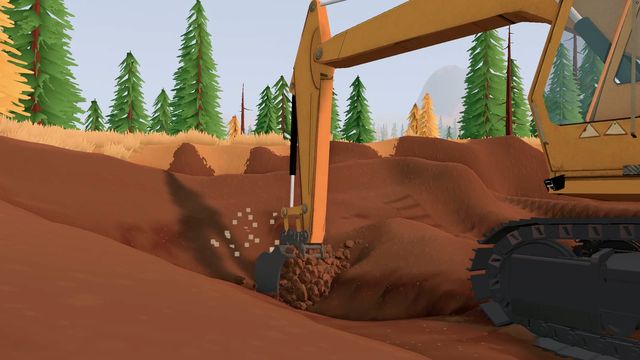
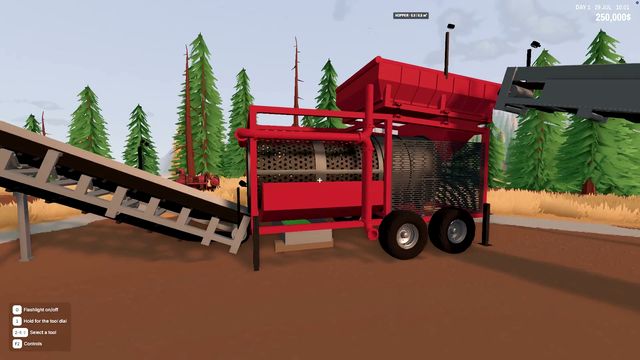
The store page is unusually honest about why Groundwork Simulator is demanding: the soil and water simulation runs on the CPU, so a machine that handles the visuals comfortably can still struggle. The developer's own note says the detailed physics place a heavy load on the processor and that the game is demanding even when the visuals suggest otherwise.
Windows
| Minimum | Recommended | |
|---|---|---|
| OS | Windows 10 (64-bit) | Windows 11 |
| Processor | Intel Core i5-8400 / AMD Ryzen 5 2600 | Intel Core i5-12400 / AMD Ryzen 5 5600 |
| Memory | 16 GB RAM | 24 GB RAM |
| Graphics | NVIDIA GTX 1070 — 8 GB VRAM | NVIDIA RTX 3060 8 GB / AMD RX 6600 8 GB |
| DirectX | Version 12 | Version 12 |
| Storage | 10 GB available space | 10 GB available space |
Both rows require a 64-bit processor and operating system.
macOS
| Minimum | Recommended | |
|---|---|---|
| Processor | Apple M4 | Apple M5 Pro |
| OS | macOS Tahoe or greater | macOS Tahoe or greater |
| Memory | 16 GB RAM | 24 GB RAM |
| Graphics | Apple M4 (integrated) | Apple M5 Pro (integrated) |
| Storage | Not listed separately | Not listed separately |
Two things stand out in that table. The Mac build is Apple silicon only — there is no Intel Mac entry — and the minimum is an M4, which is a recent chip. If you are on an M1 or M2 Mac, the published minimum does not cover you.
What the numbers mean in practice
The recommended Windows machine is not a high-end gaming PC; it is a mid-range one with an unusual amount of RAM. 24 GB is the number most people will trip on, and it goes with the CPU warning: this is a simulation where the interesting work happens in memory and on the processor, not on the graphics card.
The gap between minimum and recommended is also the honest signal about how the game will age. Minimum is a GTX 1070 with 16 GB — a card from two generations back — while recommended asks for an RTX 3060-class GPU, a newer six-core CPU and another 8 GB of RAM. That is a wide band, which usually means the build runs on the low end and is comfortable on the high end.
| Your machine | Expectation |
|---|---|
| GTX 1070 / Ryzen 5 2600 / 16 GB | Meets the published minimum; expect to manage settings |
| RTX 3060 / i5-12400 / 24 GB | Matches the recommended spec as published |
| Older quad-core / 8 GB RAM | Below minimum on both counts |
| Apple M1 or M2 | Below the published Apple silicon minimum (M4) |
| Steam Deck | Not a listed configuration; players were still reporting controller quirks on day one |
Linux and Proton
There is no Linux build on the store. Players did report the game running through Proton on launch day, on distributions including CachyOS, with one noting a launch option was needed. Treat that as a community result rather than a supported configuration — if it breaks after a patch, you are on your own.
Storage and everything else
10 GB of space is the published figure on Windows, and the download is the Early Access build, so expect it to grow as the planned updates land. Beyond the spec table, the store listing also confirms custom volume controls, adjustable difficulty, playable-without-timed-input, save anytime and Family Sharing.
If the game will not start at all on a machine that meets these specs, that is the launch-build crash rather than a hardware problem — the launch week page collects those reports. And if you are deciding whether the price is worth it today, the release page covers what actually shipped.