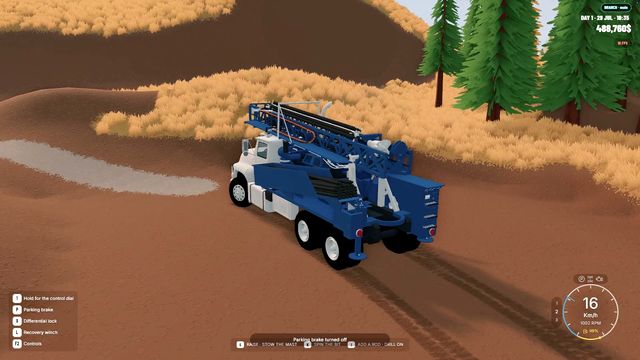
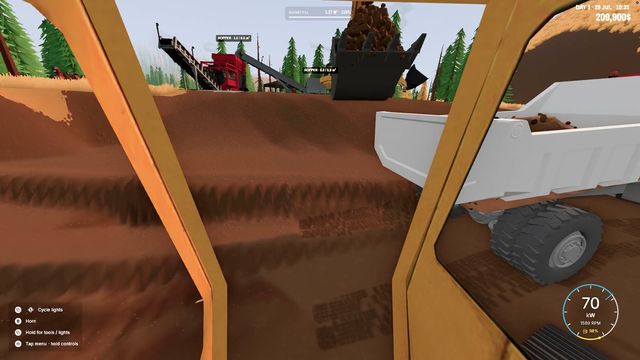
Groundwork Simulator excavator, loader and bulldozer
Three machine types carry the whole operation. Pick the wrong one for the job and you will spend the afternoon moving the same dirt twice.
The excavator cuts and loads, the wheel loader moves and stockpiles loose material, and the bulldozer shapes ground and clears routes — three different jobs on one site.
The store page names three machine types and nothing else: excavators, wheel loaders and bulldozers. That is the whole fleet the launch build advertises, and each one exists because a different part of the loop needs it. Learning which is which is worth ten minutes, because the most common early mistake in Groundwork Simulator is doing two jobs with one machine.
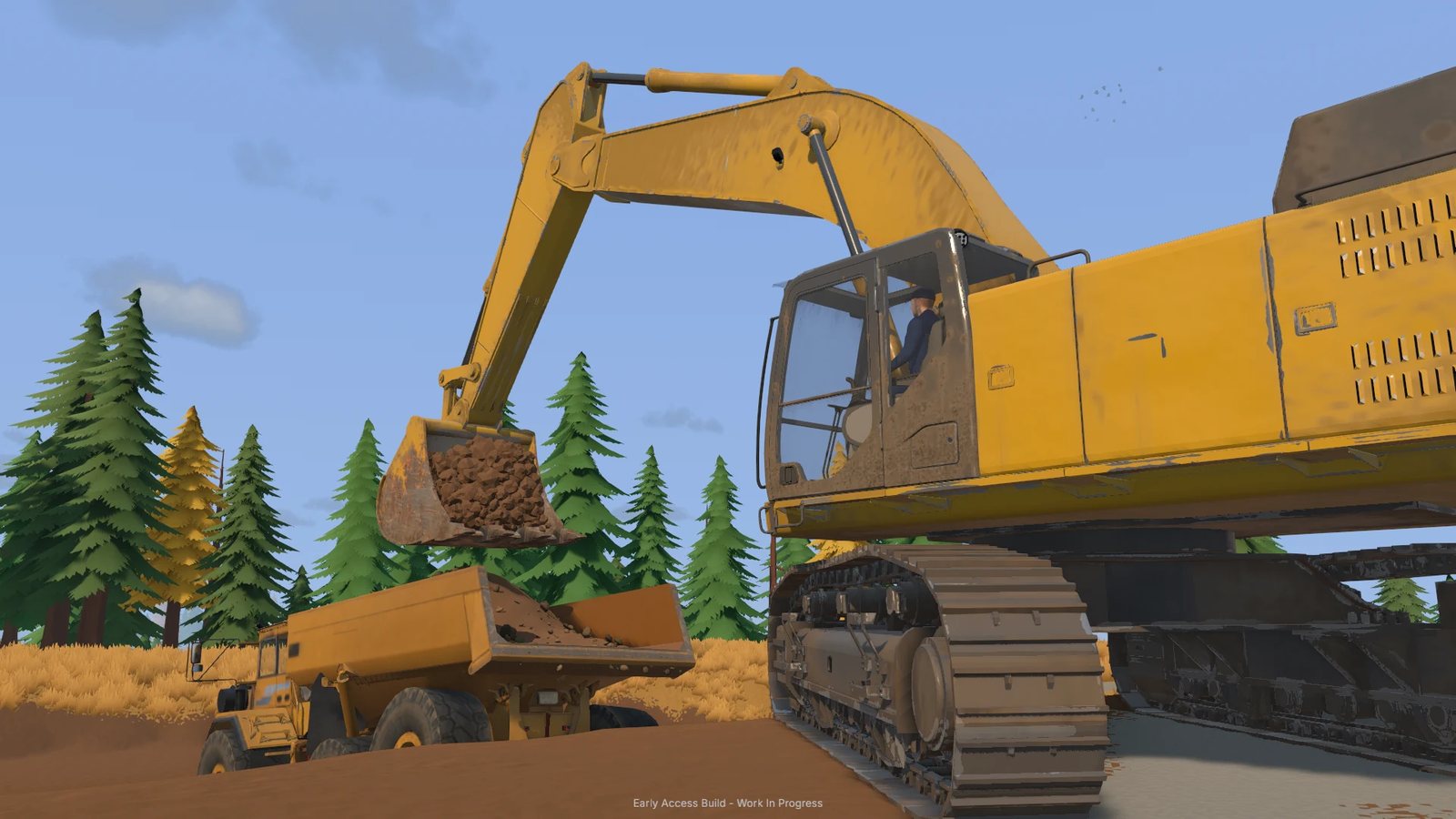
The three machines at a glance
| Machine | Job on site | Strength | Where it fails |
|---|---|---|---|
| Excavator | Breaks ground and loads out | Reaches the face, works the bucket angle, fills under hydraulic load | Not a hauler — carrying material with it wastes the machine |
| Wheel loader | Moves and stockpiles loose material | Fast over flat ground, big bucket for already-broken dirt | Cannot cut the face; useless if you feed it unbroken ground |
| Bulldozer | Shapes and clears ground | Grades, pushes piles, opens routes, fixes the ground under a load | Does not recover gold and does not load a truck |
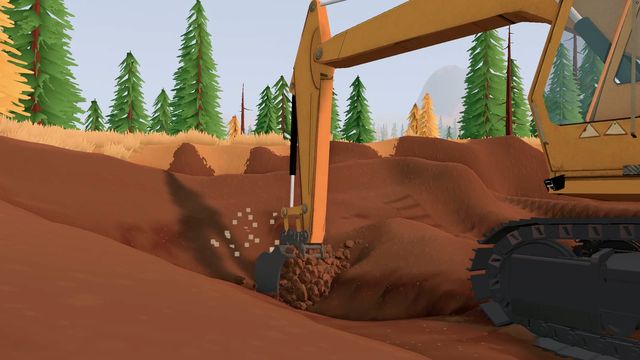
The excavator is the only machine the developer describes in mechanical detail: a realistic excavation engine, simulated hydraulic feedback, resistance in the scoop, and an instruction to adjust your angle and work with the available hydraulic power to cut, fill and lift. In practice that means the same machine performs completely differently depending on how you present the bucket to the ground. Scraping is what it feels like when the angle is wrong.
What each machine is actually for
Excavator — the cut
Everything starts here. The excavator is how ground becomes material: it cuts into the hillside, breaks the face, and fills a truck or a stockpile. Because the digging is simulated rather than animated, the machine rewards working the face in a sensible order — take the high side first, keep the bucket under the material instead of on top of it, and do not expect it to double as a wheelbarrow.
Wheel loader — the haul inside the site
The loader is the link between the cut and the plant. It moves broken material across the site and builds the stockpile, and its advantage is speed on ground that is already flat. That last part is the catch: a loader fed unbroken ground is a very expensive shovel. Break it first with the excavator, then let the loader move it.
Bulldozer — the ground itself
The dozer is the machine you buy with time rather than gold. It grades the route, pushes spoil where you want it, opens the track to the next cut and fixes the ground under a loaded truck. The developer's own framing of the terrain problem — mud, slopes, rough ground, watch your traction, sometimes the next job is improving the ground beneath your wheels before you can get back to digging — is essentially a description of what the bulldozer is for.
When to switch machines
The switch is not about preference, it is about where the queue is.
- Trucks waiting at the cut → excavator. The face is not producing fast enough for the fleet you have.
- Trucks waiting at the plant → plant, not machines. Adding a loader to a plant bottleneck just builds a bigger pile.
- Plant waiting for material → loader or route. Either you cannot move dirt fast enough, or the route is slowing every lap.
- Route degrading → bulldozer. A load that used to climb the ramp and now spins is a ground problem.
- New site → truck and trailer first. The machines do not walk between jobs.
Machines travel by trailer
One part of the loop that surprises people: your equipment moves between worksites on a trailer, pulled by a truck. The store page describes it directly — load the machinery, plan the route, navigate tight turns, slopes and rough terrain with a heavy load behind you, then unload where you need it. Route planning is part of the job, and a heavy trailer on a wet grade is the worst combination in the game.
Reading the machine panel
The Field Journal has a Machine Manual entry in its left column alongside General Notes, Gold Map, Gold Prices and the rest, and a Machine Dealer for equipment. Those are the two places to look when you want to know what a machine does or what is available — the manual is the game's own documentation, and it is written for the build you are actually running, which is more than any guide can promise during Early Access.
What is not in the fleet yet
The roadmap's Update 2 adds new vehicles for digging and hauling, explicitly framed around matching vehicle capacity to the scale of your operation. So the three-machine fleet described here is the launch fleet, not the final one — capacity tiers are a planned addition, and they will change which machine is the right answer for a given site. The roadmap page breaks the three updates out in full.
Until then: excavator cuts, loader moves, dozer shapes. If you are still choosing where to dig, the beginner guide puts the machines in the order you first need them.